User Guide
A walkthrough of every key activity in the OpenFactstore web UI.
- Introduction
- Prerequisites
- Navigating the UI
- Dashboard
- Managing Flows
- Asserting Compliance
- Evidence Vault
- Environments
- Logical Environments
- Audit Log
- Deployment Policies
- Compliance Frameworks
- Drift Detection
- Search
- Attestation Types
- Compliance Posture
- Snapshot Diff
- CI Integration — GitHub Actions
- Infrastructure as Code — Terraform
- Command-Line Interface (CLI)
- Troubleshooting
- Flow Setup Patterns
- The Fact Lifecycle
- Compliance Reporting
1. Introduction
OpenFactstore is an open-source Supply Chain Compliance Fact Store for teams operating in regulated environments. The web UI gives engineers and compliance officers a single place to:
- Define delivery processes (Flows) with mandatory quality gates.
- Browse build records (Trails) and the artifacts they produced.
- Assert whether a specific container image digest is compliant before deployment.
- Inspect evidence files (test reports, scan results, approval decisions) attached to each build.
- Monitor deployment environments for drift and policy violations.
- Search across all artifacts, trails, and attestations in seconds.
Screenshots in the full source guide (docs/user-guide.md) are generated
automatically by the Playwright E2E test suite — run npm run test:e2e from the
frontend/ directory to refresh them.
2. Prerequisites
| Requirement | Version | Notes |
|---|---|---|
| Java | 21+ (Eclipse Temurin) | Required to run the backend |
| Node.js | 20+ | Required for the frontend dev server |
| Docker | Any recent version | Optional — enables docker-compose up |
| Browser | Chrome / Edge / Firefox | Desktop viewport recommended |
See the Get Started page for full stack setup instructions.
4. Dashboard
The Dashboard (/) provides an at-a-glance summary of your delivery pipeline's compliance health.
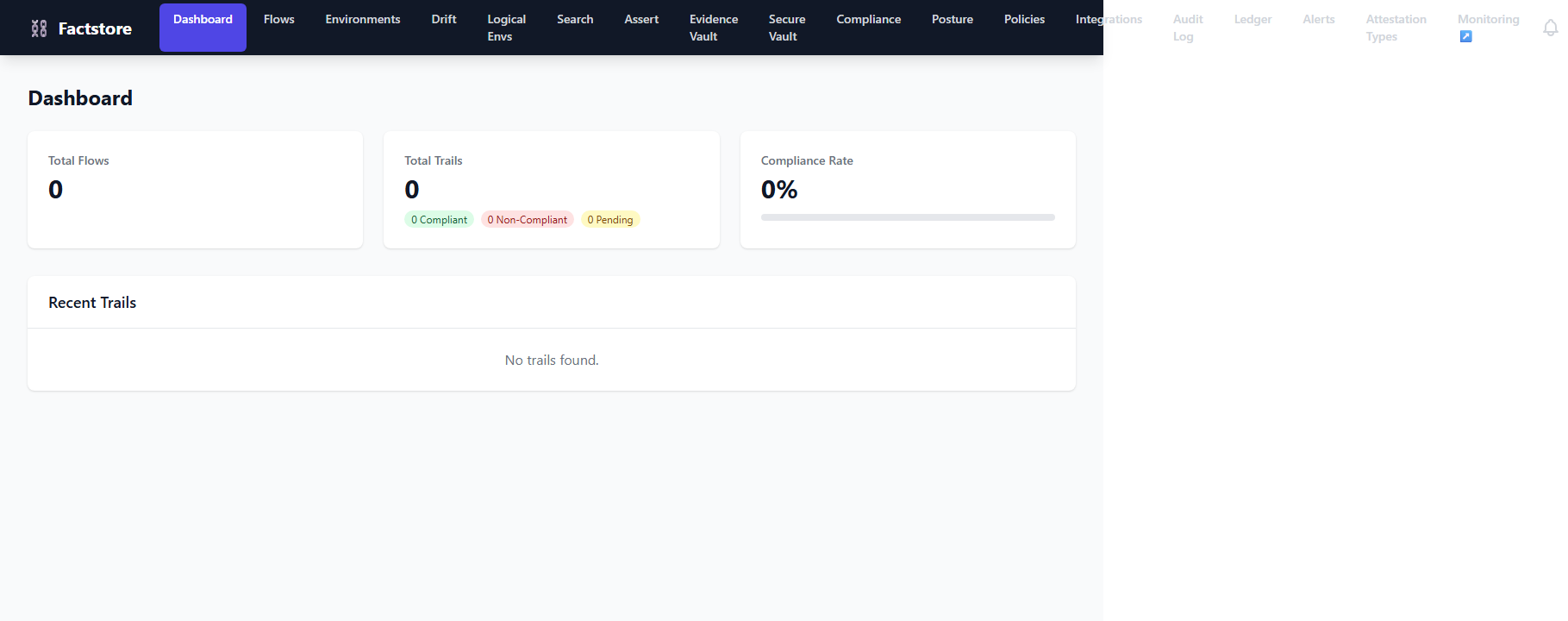
Key elements
| Element | Description |
|---|---|
| Total Flows card | Count of registered delivery pipelines |
| Total Trails card | Count of all build records with Compliant / Non-Compliant / Pending breakdown |
| Compliance Rate card | Percentage of completed builds that are compliant, shown as a colour-coded bar (green ≥ 80%, yellow ≥ 50%, red < 50%) |
| Recent Trails table | The 5 most recent trails with commit SHA, branch, author, date, and compliance status badge. Click any row to open the trail detail view. |
5. Managing Flows
A Flow is a named template that declares which attestation types must be present — and passing — before a release is approved. Navigate to Flows in the navigation bar.

Creating a flow
- Click New Flow.
- Enter a name (e.g.
payment-service-ci) and optional description. - Add one or more required attestation types as a comma-separated list
(e.g.
unit-tests, security-scan). - Set the visibility (public or private).
- Click Create.
Viewing flow details
Click any flow in the list to open its detail view. The detail panel shows all associated trails, aggregate compliance statistics, and the required attestation type manifest.
6. Asserting Compliance
Navigate to Assert to check whether a specific container image is compliant with a given flow.
- Enter the full SHA-256 digest of the container image
(e.g.
sha256:abc123…). - Select the flow from the dropdown.
- Click Assert Compliance.
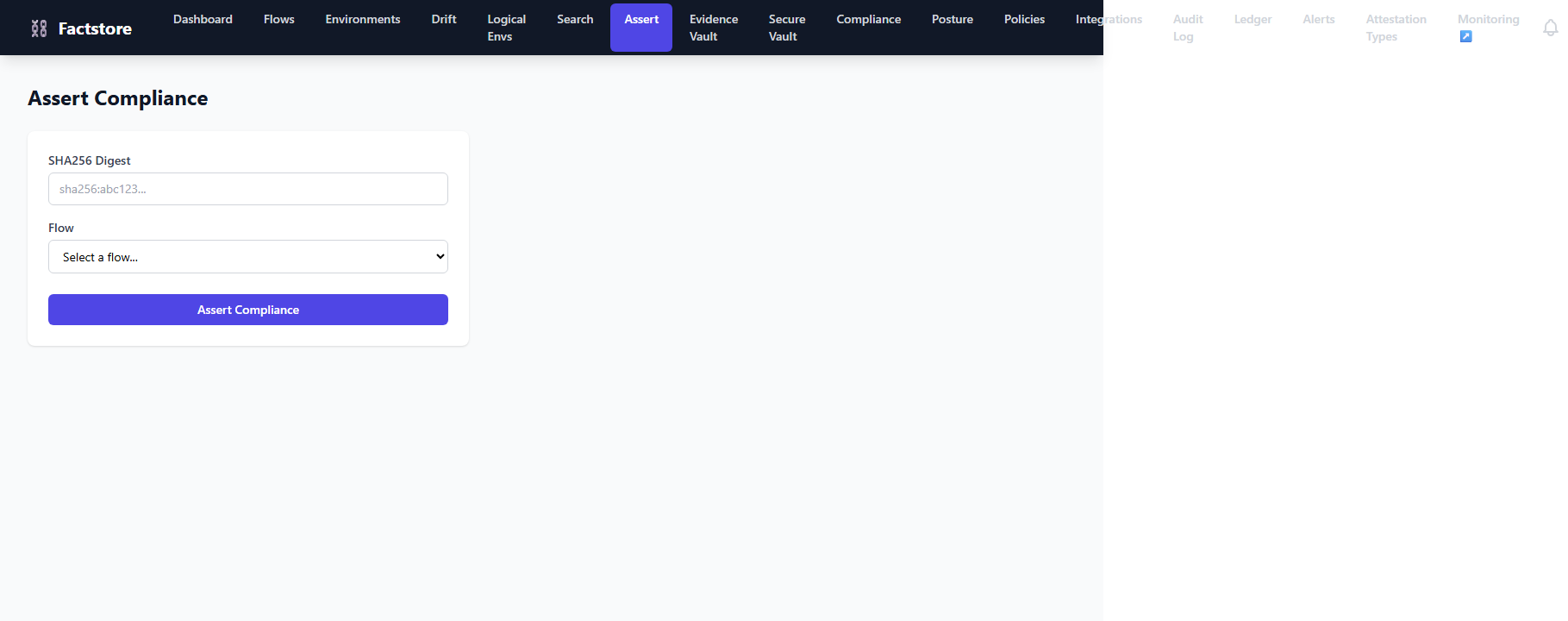
The result panel shows COMPLIANT or NON_COMPLIANT with a breakdown
of which attestation types passed, failed, or are missing.
7. Evidence Vault
The Evidence Vault page lists all uploaded evidence files across all trails. Evidence files are typically JUnit XML, SARIF scan reports, or PDF approvals uploaded via the API or CLI.
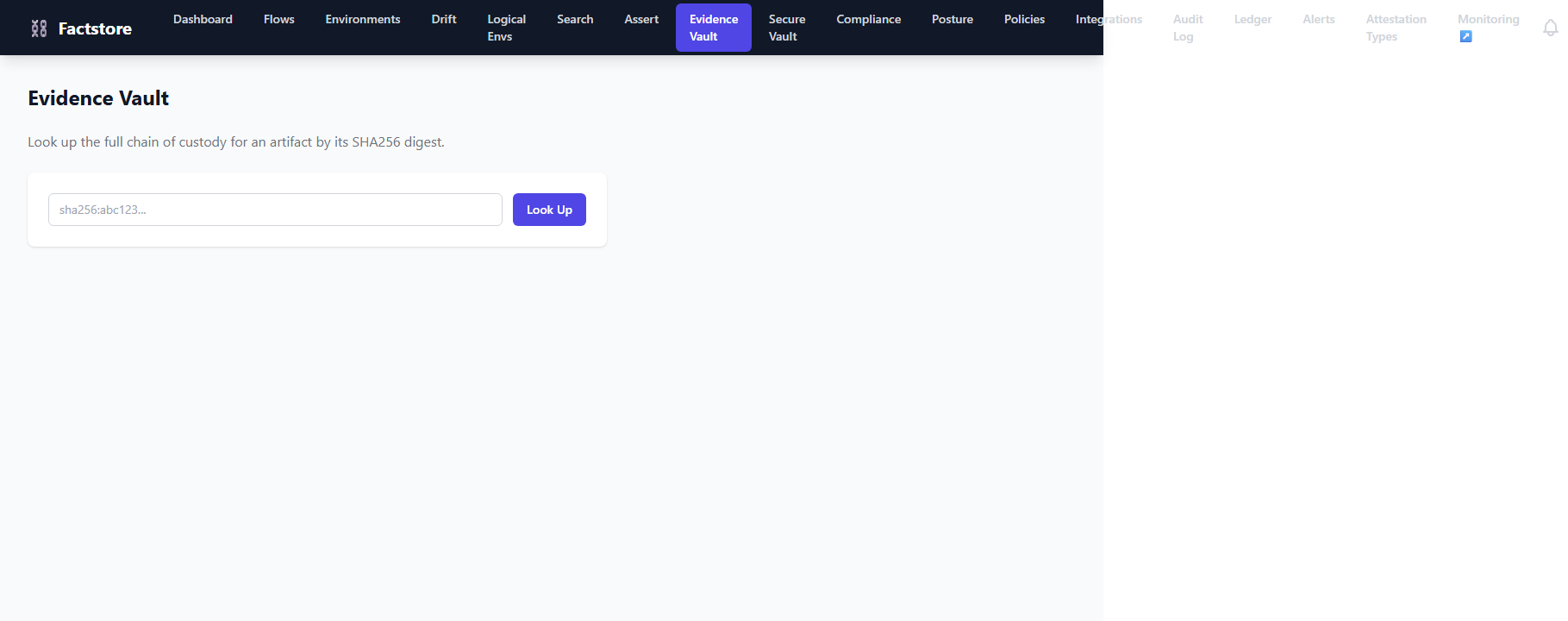
- Filter by trail, type, or date range using the toolbar controls.
- Click a file name to download the original evidence artifact.
- The hash column shows the SHA-256 of each file, enabling tamper detection.
8. Environments
Environments represent deployment targets (e.g. staging, production-eu). Each environment holds a snapshot — the set of artifacts currently deployed there.
- The environment list shows each environment's name, current artifact count, and last-updated timestamp.
- Click an environment to open the detail view with its full artifact snapshot.
- Snapshots are written by the CLI or API at deploy time using
POST /api/v1/environments/{id}/snapshots.
9. Logical Environments
Logical Environments group multiple physical environments under a single name (e.g. production grouping production-eu and production-us). This lets compliance officers assert that all members of a logical group are up to date.
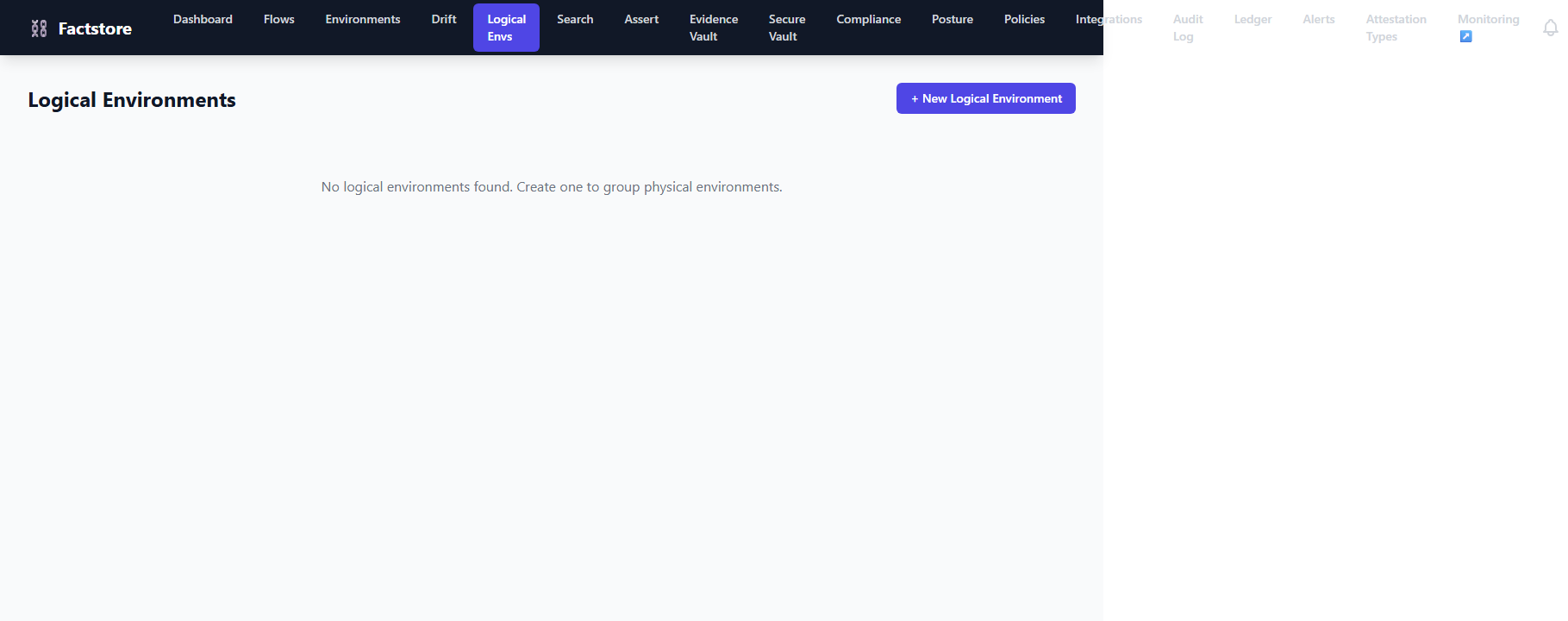
Navigate to Logical Environments in the navigation bar to create groups and assign physical environments to them.
10. Audit Log
The Audit Log is an append-only record of every compliance event in the system — trail creation, attestation recording, gate decisions, and approval actions. Each entry includes:
- Event type — e.g.
ATTESTATION_RECORDED,GATE_ALLOWED - Actor — the user or system that triggered the event
- Timestamp — immutable UTC timestamp
- HMAC digest — cryptographic integrity proof
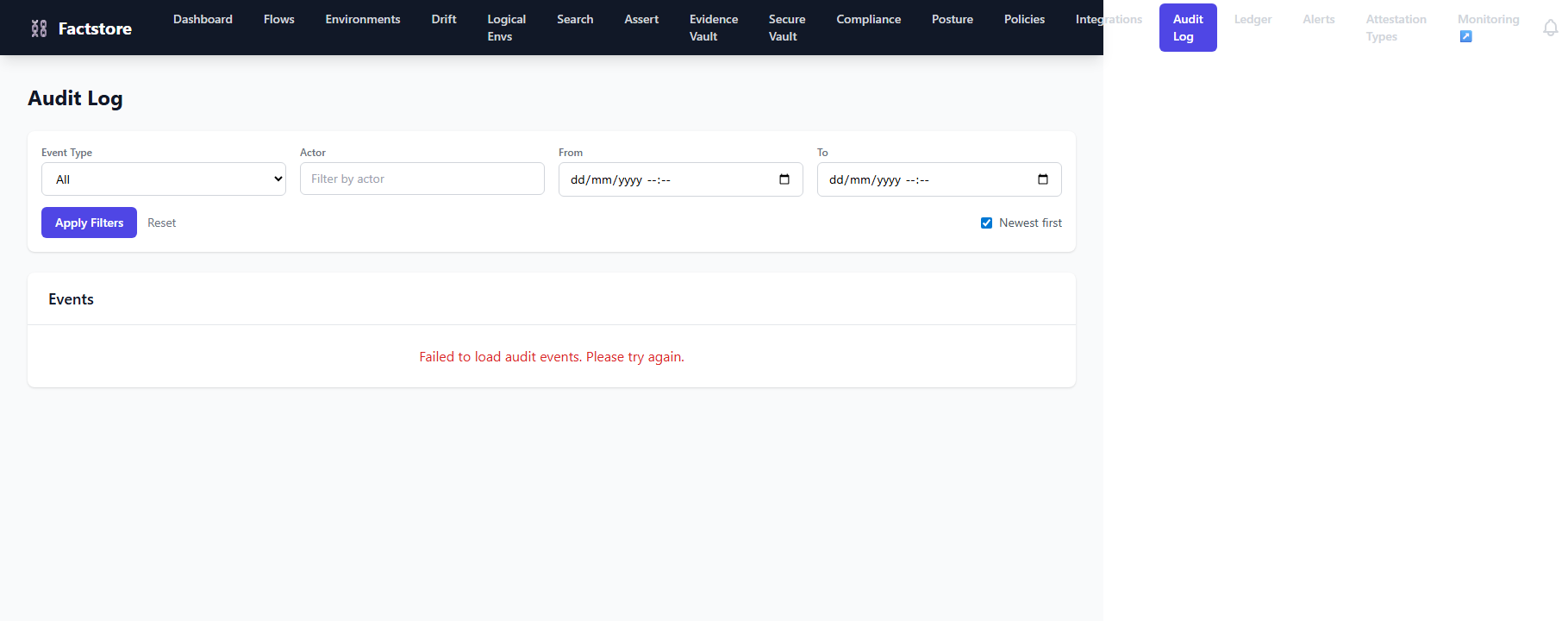
Use the filter toolbar to narrow by event type, actor, or date range. Each entry can be expanded to show the full JSON payload.
11. Deployment Policies
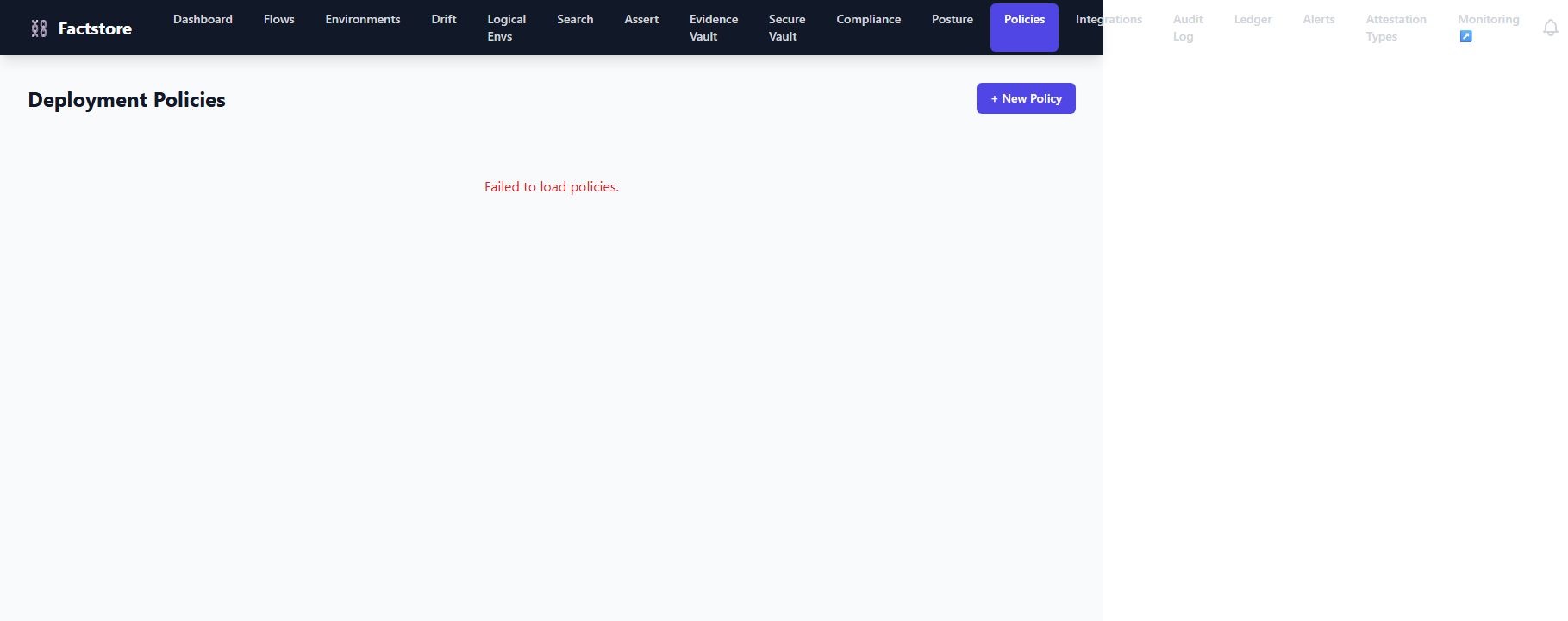
Policies are OPA (Open Policy Agent) rules that gate deployments. A policy
evaluates a trail's attestations and returns allow or deny with
a reason.
Creating a policy
- Navigate to Policies and click New Policy.
- Enter a name and optional description.
- Choose the Type:
OPA_REGO(recommended) orCEL. - Choose the Evaluator:
jqto use a jq expression for status evaluation, orNONEfor purely Rego-based evaluation. - Paste the Rego expression (e.g.
input.attestations[_].status == "PASSED"). - Click Create.
The policy is immediately applied to all subsequent compliance assertions for the flows it is linked to.
12. Compliance Frameworks
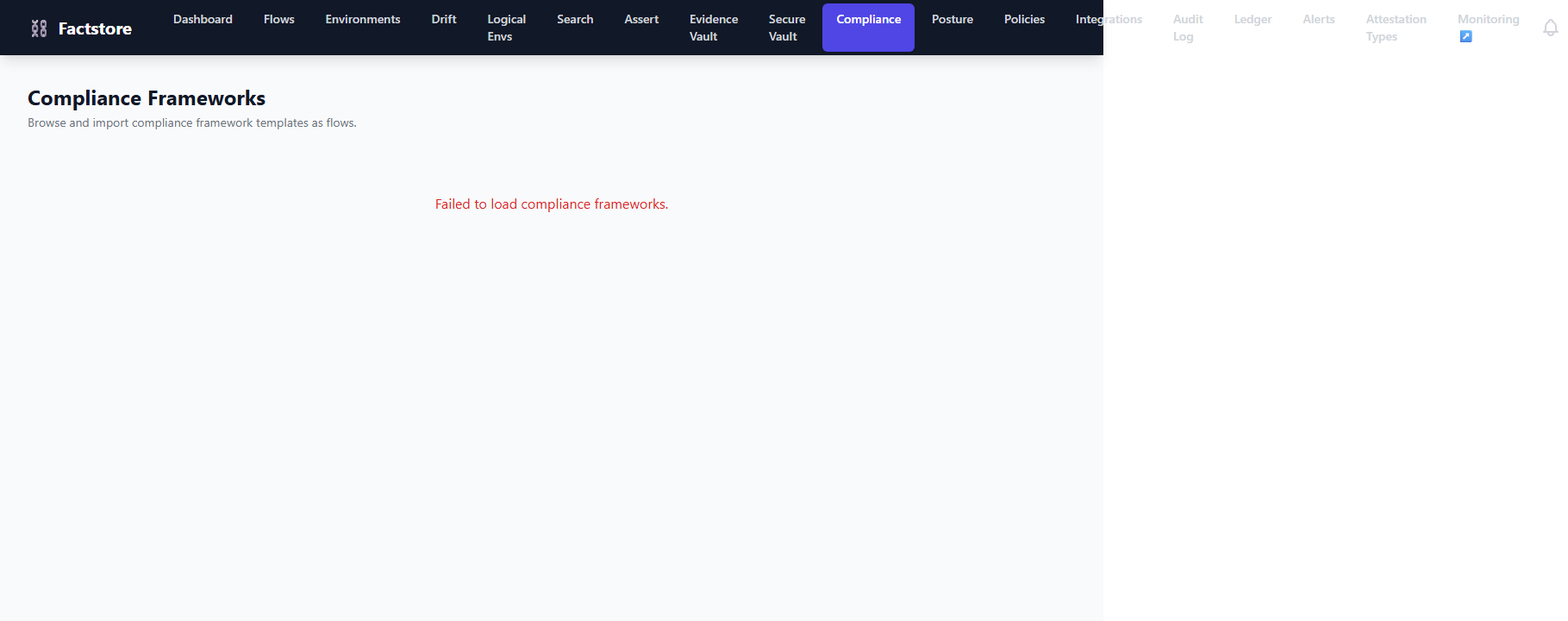
The Compliance page (/compliance) lets you browse a library of
pre-built compliance framework templates — including SOX,
PCI-DSS v4.0, GDPR, and ISO 27001.
Each template maps a regulatory body's controls to flow attestation types.
- Click Import as Flow on any framework template to generate a pre-configured Flow with all required attestation types already defined.
- Once imported, the flow appears in your Flows list and can be used immediately for trail creation.
- An aggregate compliance score shows how many controls are currently passing across your trails.
13. Drift Detection
Drift occurs when the artifact deployed in an environment does not match the one approved by the compliance flow. The Drift page shows:
- Environments where the deployed artifact's SHA-256 is not in the approved set.
- A diff of the expected vs actual artifact digests.
- The timestamp when drift was first detected.
14. Search
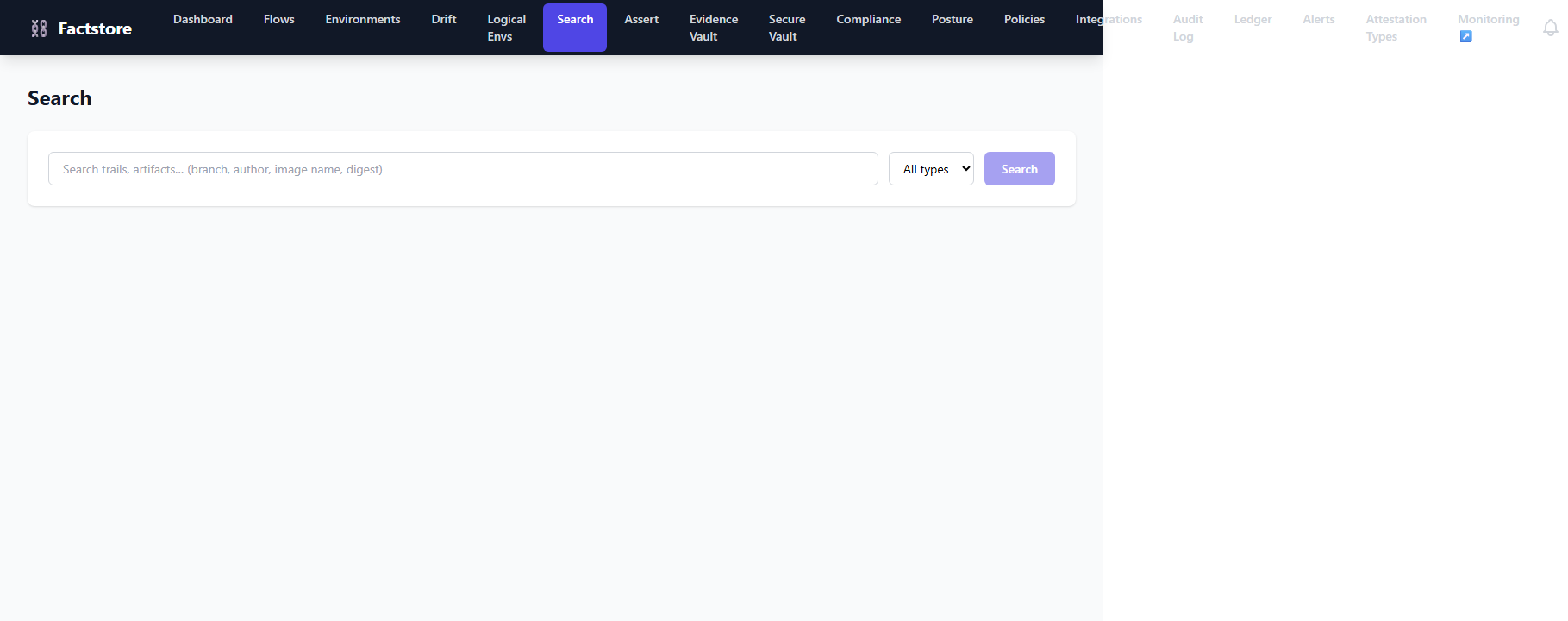
The Search page provides full-text search across flows, trails, artifacts, and attestations. Enter any term — commit SHA, image name, attestation type, or actor — and results appear grouped by entity type.
15. Attestation Types
The Attestation Types page (/attestation-types) is your
organisation's registry of all recognised quality gate categories. Each type defines the
shape of evidence that must be collected before a trail is considered compliant.
Viewing types
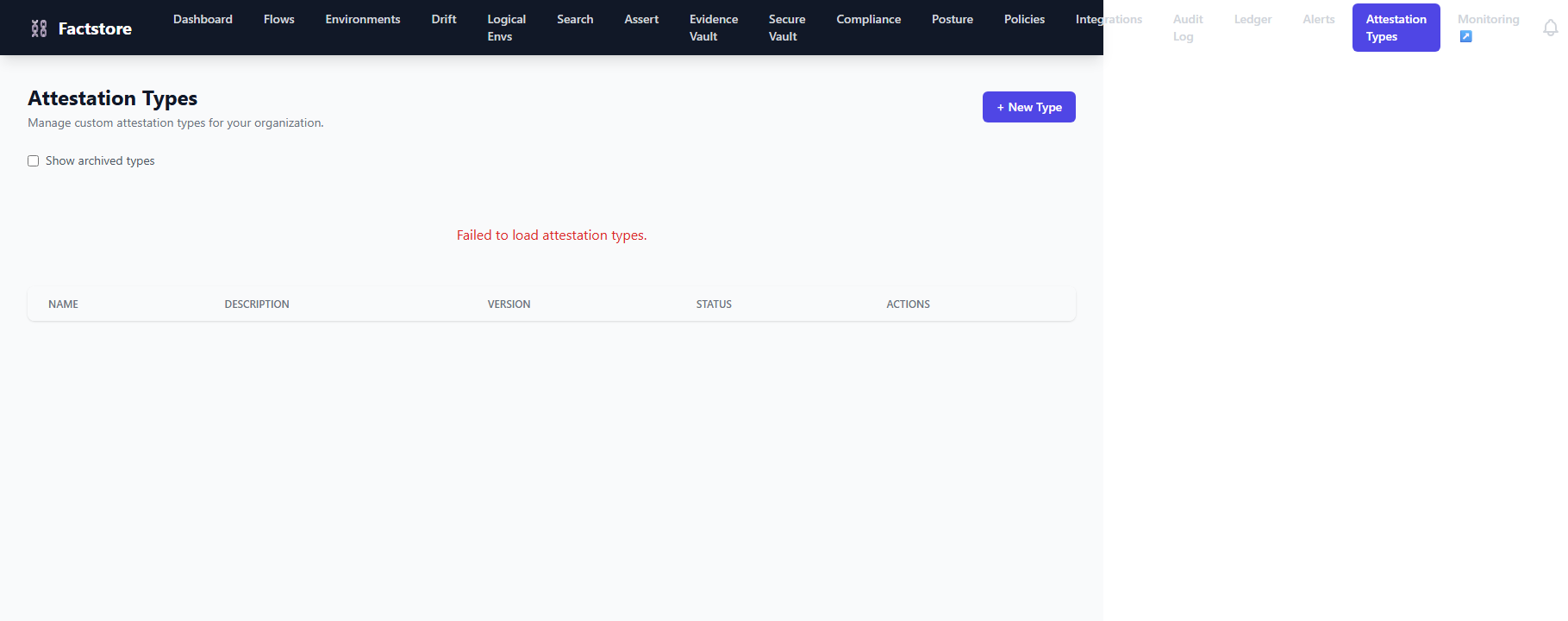
The types table shows one row per registered type with these columns:
| Column | Description |
|---|---|
| Name | Unique identifier used in flow definitions and attestation submissions |
| Description | Human-readable explanation of what evidence this type collects |
| Version | Schema version counter — increments on every save |
| Status | ACTIVE or ARCHIVED |
Toggle Show archived types to include retired types in the list.
Creating a type
- Click + New Type in the top-right corner.
- Enter a Name (e.g.,
SAST,SBOM,DAST), an optional description, and a JSON Schema. - Optionally add a jq expression to compute
PASSED/FAILEDstatus automatically. - Click Save.
JSON Schema example
{
  "$schema": "http://json-schema.org/draft-07/schema#",
  "type": "object",
  "required": ["tool", "result"],
  "properties": {
    "tool":   { "type": "string" },
    "result": { "enum": ["PASSED", "FAILED", "SKIPPED"] },
    "issues": { "type": "integer", "minimum": 0 }
  }
}
Any attestation payload submitted against this type is validated against the schema. A non-conforming payload is rejected with HTTP 422.
jq compliance expression
.result == "PASSED" and .issues == 0
If the expression evaluates to true the attestation receives status
PASSED; false maps to FAILED.
Omit the field to let the CI pipeline set the status explicitly.
Archiving types
Click Archive on any row to retire a type without deleting historical data. Archived types can be shown by checking Show archived types. Each save bumps the Version counter, providing an audit trail of schema evolution.
16. Compliance Posture
The Compliance Posture dashboard (/compliance-posture) gives
leadership a bird's-eye view of compliance health across every flow in the organisation.
Summary cards
| Card | Description |
|---|---|
| Total Flows | Number of active delivery pipelines |
| Compliant Trails % | Percentage of all trails that passed every required attestation |
| Non-Compliant Trails | Count of trails with at least one FAILED or missing attestation |
| Pending Trails | Trails still accumulating evidence |
Per-flow breakdown
The table shows one row per flow with Compliant / Non-Compliant / Pending counts. The Compliance % column is colour-coded: green ≥ 80%, yellow ≥ 50%, red < 50%. A high Pending count typically means CI pipelines have not completed or evidence upload is failing silently — investigate the trail detail view.
17. Snapshot Diff
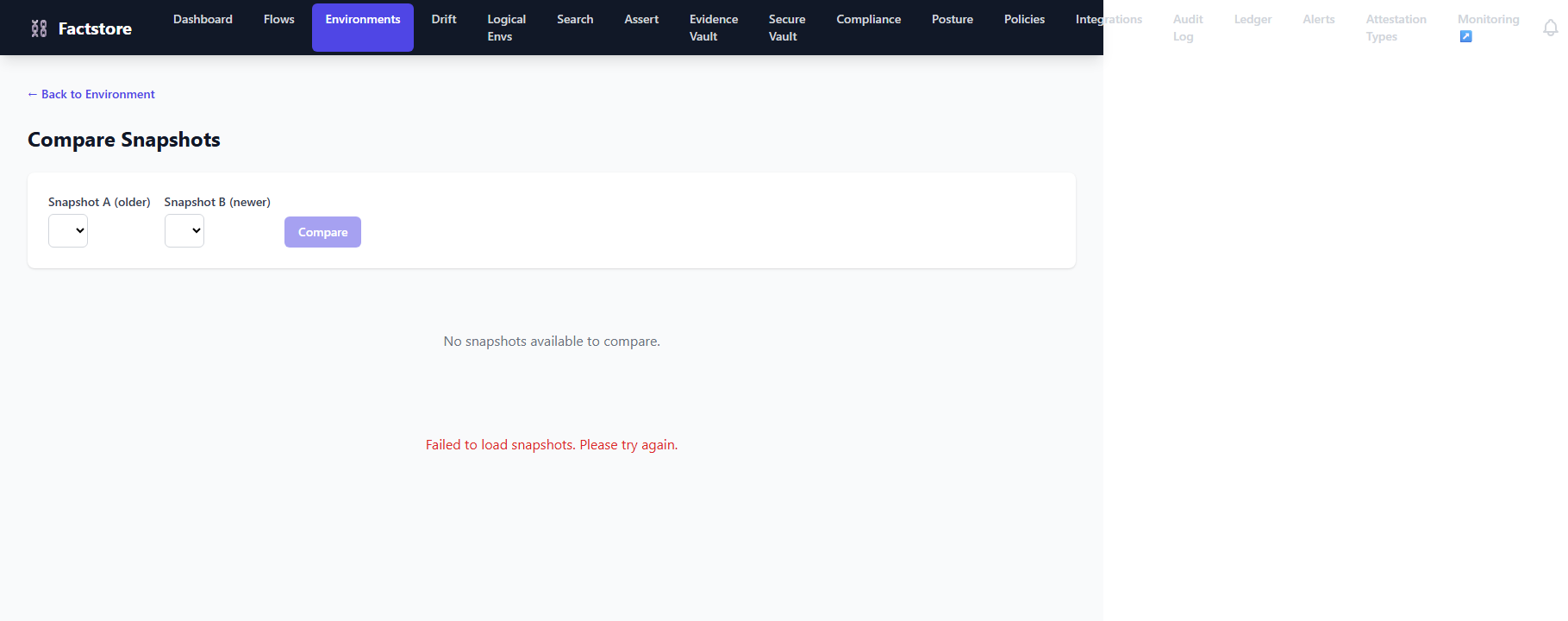
The Snapshot Diff viewer (/environments/:id/snapshot-diff)
lets you compare two point-in-time snapshots of an environment to understand exactly what
changed between them. Open it from any Environment detail page via Compare Snapshots.
Selecting snapshots
Two drop-down menus at the top of the page let you select Snapshot A (baseline) and Snapshot B (later state). Each drop-down lists all available snapshots for the environment in reverse-chronological order. After selecting both, click Compare to load the diff table.
Reading the diff table
| Column | Meaning |
|---|---|
| Image | Container image name and tag |
| Digest A / B | SHA-256 digest in the older / newer snapshot |
| Change | ADDED, REMOVED, or CHANGED |
Row background colours make changes immediately scannable: green = ADDED,
red = REMOVED,
amber = CHANGED.
Typical use-cases: incident investigation, deployment verification, and compliance audits demonstrating that only approved artifacts entered production between two dates.
18. CI Integration — GitHub Actions
OpenFactstore ships a reusable composite GitHub Actions action at
.github/actions/factstore-attest/ that records attestations directly from
your CI workflows with no extra tooling required.
Quick-start example
# .github/workflows/ci.yml
name: CI

on: [push]

jobs:
  build:
    runs-on: ubuntu-latest
    steps:
      - uses: actions/checkout@v4

      - name: Build and push image
        id: build
        run: |
          docker build -t myapp:${{ github.sha }} .
          docker push myapp:${{ github.sha }}
          echo "sha=$(docker inspect --format='{{index .RepoDigests 0}}' \
            myapp:${{ github.sha }})" >> "$GITHUB_OUTPUT"

      - name: Create build trail
        id: trail
        run: |
          TRAIL_ID=$(curl -sf -X POST "${{ secrets.FACTSTORE_URL }}/api/v1/trails" \
            -H "Content-Type: application/json" \
            -d '{
              "flowId":    "${{ vars.FACTSTORE_FLOW_ID }}",
              "commitSha": "${{ github.sha }}",
              "branch":    "${{ github.ref_name }}",
              "author":    "${{ github.actor }}"
            }' | jq -r '.id')
          echo "trail-id=$TRAIL_ID" >> "$GITHUB_OUTPUT"

      - name: Record JUnit attestation
        uses: ./.github/actions/factstore-attest
        with:
          factstore-url: ${{ secrets.FACTSTORE_URL }}
          trail-id:      ${{ steps.trail.outputs.trail-id }}
          type:          junit
          status:        PASSED
          details:       "All tests green on ${{ github.sha }}"
          evidence-url:  ${{ github.server_url }}/${{ github.repository }}/actions/runs/${{ github.run_id }}
          api-key:       ${{ secrets.FACTSTORE_API_KEY }}

      - name: Record Snyk attestation
        uses: ./.github/actions/factstore-attest
        with:
          factstore-url: ${{ secrets.FACTSTORE_URL }}
          trail-id:      ${{ steps.trail.outputs.trail-id }}
          type:          snyk
          status:        PASSED
          details:       "No critical vulnerabilities found"
          evidence-url:  ${{ github.server_url }}/${{ github.repository }}/actions/runs/${{ github.run_id }}
          api-key:       ${{ secrets.FACTSTORE_API_KEY }}

      - name: Assert compliance before deploy
        run: |
          curl -sf "${{ secrets.FACTSTORE_URL }}/api/v1/assert" \
            -G --data-urlencode "sha256=${{ steps.build.outputs.sha }}" \
               --data-urlencode "flowId=${{ vars.FACTSTORE_FLOW_ID }}"
Action inputs
| Input | Required | Description |
|---|---|---|
factstore-url |
✅ | Factstore server base URL |
trail-id |
✅ | Trail to attach the attestation to |
type |
✅ | Attestation type key (e.g., junit, snyk, sbom) |
status |
✅ (default: PASSED) |
PASSED, FAILED, or PENDING |
details |
❌ | Free-text description of the attestation |
evidence-url |
❌ | Link to external evidence (e.g., CI run URL) |
api-key |
❌ | API key for authenticated instances |
The action outputs attestation-id — the UUID of the newly created attestation —
which can be used in subsequent steps.
19. Infrastructure as Code — Terraform
OpenFactstore provides a Terraform provider in terraform/provider/ so you can
manage flows and environments alongside your infrastructure using standard HCL and GitOps workflows.
Provider configuration
terraform {
  required_providers {
    factstore = {
      source  = "local/factstore"
      version = "~> 1.0"
    }
  }
}

provider "factstore" {
  url     = "http://localhost:8080"
  api_key = var.factstore_api_key   # optional
}
Managing a Flow
resource "factstore_flow" "payment_service" {
  name        = "payment-service"
  description = "Compliance pipeline for the payment microservice"

  required_attestation_types = [
    "junit",
    "snyk",
    "sbom",
    "change-approval",
  ]

  tags = {
    team      = "payments"
    sox-scope = "true"
  }
}

output "flow_id" {
  value = factstore_flow.payment_service.id
}
Managing an Environment
resource "factstore_environment" "production" {
  name        = "production"
  description = "Live customer-facing environment"
  type        = "KUBERNETES"

  tags = {
    region = "eu-west-1"
    tier   = "production"
  }
}
Applying changes
cd terraform/provider

# Initialise the provider
terraform init

# Preview changes
terraform plan -var="factstore_api_key=$FACTSTORE_TOKEN"

# Apply
terraform apply -var="factstore_api_key=$FACTSTORE_TOKEN"
Terraform state tracks resource IDs so subsequent plan / apply runs
update only drifted attributes — enabling GitOps-style management of your compliance configuration.
20. Command-Line Interface (CLI)
The factstore CLI is a Go binary that lets pipelines and engineers interact with
the Factstore API from any terminal or CI environment — without needing the web UI.
Installation
Build from source (requires Go 1.21+):
git clone https://github.com/MaximumTrainer/OpenFactstore.git
cd OpenFactstore/cli
make build
# binary at ./bin/factstore

sudo mv bin/factstore /usr/local/bin/
Configuration
Run the interactive wizard to save credentials to ~/.factstore.yaml:
factstore configure
# API host (e.g. https://api.factstore.example.com):
# Query host (leave blank to use API host for reads):
# Bearer token: ••••••••
Alternatively, set environment variables (useful in CI):
export FACTSTORE_HOST=https://api.factstore.example.com
export FACTSTORE_TOKEN=my-bearer-token
# Optional: separate read host for CQRS deployments
export FACTSTORE_QUERY_HOST=https://query.factstore.example.com
Global Flags
| Flag | Description |
|---|---|
--host | Override configured API host |
--query-host | Override configured query host (GET requests) |
--token | Override configured bearer token |
--json | Emit raw JSON instead of a table |
Verify Connectivity
factstore loginFlows
factstore flows list
factstore flows get <id>
factstore flows create \
  --name "My Flow" \
  --description "CI pipeline" \
  --attestation-types "SBOM,VULNERABILITY_SCAN"
factstore flows update <id> --name "Updated Name"
factstore flows delete <id>
Trails
factstore trails list
factstore trails list --flow-id <flow-id>
factstore trails get <id>
factstore trails create \
  --flow-id <flow-id> \
  --commit abc123def456 \
  --branch main \
  --author "Alice Smith" \
  --author-email alice@example.com
Artifacts
factstore artifacts list --trail-id <trail-id>
factstore artifacts find --sha256 sha256:abc123...
factstore artifacts create \
  --trail-id <trail-id> \
  --image-name myapp \
  --image-tag v1.2.3 \
  --sha256 sha256:abc123... \
  --reported-by ci-bot \
  --registry ghcr.io
Attestations
factstore attestations list --trail-id <trail-id>
factstore attestations create \
  --trail-id <trail-id> \
  --type SBOM \
  --status PASSED \
  --details "Generated by syft"
factstore attestations upload-evidence \
  --trail-id <trail-id> \
  --attestation-id <attestation-id> \
  ./sbom.json
Compliance & Deployment Gates
# Assert an artifact meets a flow's requirements
factstore assert --sha256 sha256:abc123... --flow-id <flow-id>

# Evaluate a deployment gate
factstore gate evaluate \
  --artifact sha256:abc123... \
  --environment production \
  --flow-id <flow-id>

# List recent gate results
factstore gate list --environment production

# Full chain of custody report
factstore compliance artifact sha256:abc123...
Typed attest commands
Higher-level commands parse known report formats and set status automatically:
# JUnit XML — parses failures from the report
factstore attest junit \
  --trail-id "$TRAIL_ID" \
  --results junit-results.xml \
  --name "Unit Tests"

# Snyk JSON — parses critical/high vulnerabilities
factstore attest snyk \
  --trail-id "$TRAIL_ID" \
  --results snyk-report.json \
  --name "Snyk Scan"

# Custom attestation type
factstore attest custom \
  --trail-id "$TRAIL_ID" \
  --type "change-approval" \
  --status PASSED \
  --details "Approved by Alice Smith (Jira CHANGE-42)" \
  --evidence-url "https://jira.example.com/browse/CHANGE-42"
Deployment report
# Record a deployment event against an environment
factstore report deployment \
  --environment "production" \
  --artifact "sha256:abc123..." \
  --flow-id "$FLOW_ID"
Environment snapshots
# Capture the current state of a Kubernetes namespace
factstore environment snapshot \
  --environment "production" \
  --source kubernetes \
  --namespace default

# List recent snapshots
factstore environment snapshots --environment "production"
Webhooks
factstore webhooks list
factstore webhooks create --source github --secret <secret> --flow-id <flow-id>
factstore webhooks delete <id>
factstore webhooks deliveries <id>
JSON Output
All commands support --json to emit raw JSON for scripting:
factstore flows list --json | jq '.[].name'GitHub Actions Integration
Use the CLI in CI to record facts after every build. The example below creates a trail, attaches an artifact and SBOM attestation, then asserts compliance:
- name: Record compliance facts
  env:
    FACTSTORE_HOST: ${{ secrets.FACTSTORE_HOST }}
    FACTSTORE_TOKEN: ${{ secrets.FACTSTORE_TOKEN }}
  run: |
    # Create a build trail
    TRAIL_ID=$(factstore trails create \
      --flow-id "$FLOW_ID" \
      --commit "$GITHUB_SHA" \
      --branch "$GITHUB_REF_NAME" \
      --author "$GITHUB_ACTOR" \
      --author-email "$GITHUB_ACTOR@github" \
      --json | jq -r '.id')

    # Record the container artifact
    factstore artifacts create \
      --trail-id "$TRAIL_ID" \
      --image-name myapp \
      --image-tag "$IMAGE_TAG" \
      --sha256 "$IMAGE_SHA" \
      --reported-by github-actions

    # Record the SBOM attestation
    factstore attestations create \
      --trail-id "$TRAIL_ID" \
      --type SBOM \
      --status PASSED \
      --details "Generated by syft"

    # Assert compliance before deployment
    factstore assert \
      --sha256 "$IMAGE_SHA" \
      --flow-id "$FLOW_ID"
21. Troubleshooting
Empty lists / "No data" messages
Most list pages show an empty state when no records have been created yet. Follow the
Get Started guide or use the CLI (factstore flow create)
to seed initial data.
Frontend cannot reach the backend
If the UI shows network errors, verify that the backend is running on port 8080 and that
the Vite proxy (frontend/vite.config.ts) forwards /api to
http://localhost:8080.
Compliance assertion returns NON_COMPLIANT unexpectedly
Check the trail's attestation list to confirm that all required types for the selected flow
are present with status PASSED. Missing or FAILED attestations
will block the assertion.
Full source guide
The full developer guide including API examples, CLI commands, and CI integration patterns
is in docs/user-guide.md on GitHub ↗.
22. Flow Setup Patterns
A Flow is the centrepiece of compliance configuration — it declares exactly which evidence must be collected before an artifact may be deployed. This section shows how to configure flows for the most common real-world scenarios, starting from scratch or by importing a framework template.
Designing a flow: what to decide first
| Question | Guidance |
|---|---|
| What evidence do regulators or your team require? | Start with a fixed list (e.g., test results, CVE scans, SBOM) then grow from there. |
| Does the release need human sign-off? | Enable Requires Approval on the flow — the assertion gate blocks until an approval record is granted. |
| Is this pipeline internal-only? | Set Visibility: private to hide it from public listings. |
| Which regulatory framework applies? | Use Compliance Frameworks → Import as Flow to bootstrap all required attestation types automatically. |
Pattern 1 — Basic CI/CD quality gate
Suitable for any service without a formal regulatory obligation. Ensures every release has passing unit tests and no known critical vulnerabilities.
| Name | payment-service-ci |
| Required Attestation Types | unit-tests, vulnerability-scan |
| Requires Approval | No |
| Tags | team=payments, tier=standard |
In CI: record a unit-tests attestation (PASSED/FAILED) after the test step,
and a vulnerability-scan attestation after running Snyk/Trivy. Use
FAILED status when the tool reports issues — this immediately marks the trail
NON_COMPLIANT and blocks the assertion gate.
Pattern 2 — Security-focused pipeline
For services that handle sensitive data or are internet-facing. Requires static analysis, a software bill of materials, dynamic testing, and a dependency vulnerability scan.
| Name | api-gateway-security |
| Required Attestation Types | unit-tests, sast, sbom, vulnerability-scan, dast |
| Requires Approval | No |
| Tags | team=platform, tier=critical |
Map each step to a tool: SAST → Semgrep/SonarQube, SBOM → Syft/Grype, vulnerability-scan → Snyk, DAST → OWASP ZAP. Record the attestation immediately after each tool finishes so the trail accumulates evidence as the pipeline progresses.
Pattern 3 — Regulatory / SOX-compliant pipeline
For services in scope for SOX, PCI-DSS, or similar frameworks. Adds a software bill of materials for supply chain evidence and requires a human change-approval record before the assertion gate can pass.
| Name | finance-service-sox |
| Required Attestation Types | unit-tests, vulnerability-scan, sbom |
| Requires Approval | Yes — the assertion gate blocks until an approval record is granted for the trail |
| Tags | sox-scope=true, team=finance |
With Requires Approval enabled, a compliance assertion always checks for an
APPROVED approval record on the trail in addition to all attestations being
PASSED. Record the approval via the Approvals API after a change-advisory board
or PR review is complete.
Pattern 4 — Bootstrapping from a compliance framework
If your organisation is aligning to a specific standard (ISO 27001, SOC 2, PCI-DSS, GDPR), skip manual flow design and import a pre-built template:
- Navigate to Compliance (
/compliance). - Browse the framework cards and locate the relevant standard.
- Click Import as Flow.
- Review the generated flow name and the pre-populated Required Attestation Types.
- Adjust the name and tags if needed, then click Create.
- The new flow appears in your Flows list immediately.
The imported flow's required attestation types exactly match the framework's mandatory controls. You can edit the flow afterwards to add organisation-specific gates.
Attestation type naming conventions
Attestation type identifiers must match exactly between the flow definition and the values submitted by CI pipelines. Adopt a consistent naming scheme across all flows:
| Recommended identifier | Meaning | Typical tool |
|---|---|---|
unit-tests |
Unit / integration test suite result | JUnit, pytest, Jest |
vulnerability-scan |
Dependency / container CVE scan | Snyk, Grype, Trivy |
sast |
Static application security testing | Semgrep, SonarQube, CodeQL |
sbom |
Software bill of materials generation | Syft, CycloneDX |
dast |
Dynamic application security testing | OWASP ZAP, Burp Suite |
container-scan |
Container image layer scanning | Trivy, Clair |
change-approval |
Human change-advisory board approval | Jira, ServiceNow, manual |
Register each identifier in the Attestation Types registry
(/attestation-types) with an optional JSON Schema and jq expression so that
payload validation and automatic status computation are applied when evidence is submitted.
23. The Fact Lifecycle
A fact in OpenFactstore is an attestation — a structured record asserting that a specific quality gate was evaluated for a build. Facts accumulate on a Trail (one per build) and are later evaluated when you assert compliance against a Flow.
Understanding the lifecycle helps you configure CI pipelines correctly and diagnose why an artifact is reported as non-compliant.
Stage 1 — Create a Trail
A Trail is created at the very beginning of a CI build — before any tests run. It acts as an evidence folder for the build.
POST /api/v1/trails
{
  "flowId":       "<flow-uuid>",
  "gitCommitSha": "a1b2c3d4",
  "gitBranch":    "main",
  "gitAuthor":    "alice",
  "gitAuthorEmail": "alice@example.com"
}
The response includes a trailId UUID that all subsequent API calls reference.
The trail starts in PENDING status and stays there as long
as no attestation with status FAILED has been recorded.
Stage 2 — Record the Artifact
After the container image is built and pushed, record its immutable SHA-256 digest. This is the fingerprint that ties evidence to a specific image binary.
POST /api/v1/trails/<trailId>/artifacts
{
  "imageName":    "myapp",
  "imageTag":     "v2.4.1",
  "sha256Digest": "sha256:abc123...",
  "reportedBy":   "github-actions",
  "registry":     "ghcr.io"
}
Recording the same digest in multiple trails is allowed — the compliance assertion
searches all matching artifacts and returns COMPLIANT if any one
of their trails satisfies all flow requirements.
Stage 3 — Submit Attestations (Facts)
For each quality gate in the flow, record an attestation on the trail. Each attestation carries a type (matching the flow's required types), a status, and optional evidence metadata.
POST /api/v1/trails/<trailId>/attestations
{
  "type":        "unit-tests",
  "status":      "PASSED",
  "details":     "1 247 tests passed, 0 failures",
  "evidenceUrl": "https://ci.example.com/runs/42"
}
Attestation statuses explained
| Status | Meaning | Effect on compliance |
|---|---|---|
PASSED |
The quality gate succeeded | Satisfies the requirement for this type |
FAILED |
The quality gate detected a problem | Immediately marks the trail NON_COMPLIANT; blocks the assertion gate |
PENDING |
Evidence is expected but not yet evaluated | Treated as missing — does not satisfy the requirement |
⚠️ A FAILED attestation permanently marks the trail NON_COMPLIANT.
To recover, open a new trail for the same commit (after the fix is applied), re-run the
pipeline, and assert compliance against the new trail's artifact digest.
Uploading evidence files
Binary evidence files (JUnit XML, SARIF, PDF approvals) can be attached to an attestation via a multipart upload. The file is stored in the Evidence Vault and its SHA-256 hash is recorded on the attestation for tamper detection.
POST /api/v1/attestations/<attestationId>/evidence
Content-Type: multipart/form-data

file=@junit-results.xml
Stage 4 — Assert Compliance
At deploy time, assert that the specific image digest satisfies the flow's requirements. This is a point-in-time gate check — it does not mutate trail status.
GET /api/v1/assert?sha256=sha256:abc123...&flowId=<flow-uuid>How the assertion is evaluated
- Find all artifacts in the store that match the provided
sha256digest. - For each matching artifact, check its trail against the flow's required attestation types:
- All required types must have a
PASSEDattestation on the trail. - Types with only
PENDINGor no attestation are treated as missing.
- All required types must have a
- If the flow has Requires Approval enabled, additionally verify that the trail has an
APPROVEDapproval record. - Return
COMPLIANTif any artifact's trail satisfies all requirements; otherwise returnNON_COMPLIANTwith the list of missing and failed types.
Every assertion emits an audit event: GATE_ALLOWED (compliant) or
GATE_BLOCKED (non-compliant), visible in the Audit Log.
Trail status state machine
| Status | Trigger | What it means |
|---|---|---|
PENDING |
Trail created | Evidence is accumulating; no FAILED attestation yet |
NON_COMPLIANT |
A FAILED attestation is recorded on this trail |
Build has a known failure; assertion gate will block this trail's artifacts |
Note: trail status reflects accumulated evidence quality. A trail that stays
PENDING with all PASSED attestations will produce a
COMPLIANT assertion result — the assertion is the definitive compliance check,
not the trail status alone.
Audit events emitted during the lifecycle
| Lifecycle stage | Audit event |
|---|---|
| Artifact recorded / deployed to environment | ARTIFACT_DEPLOYED |
| Artifact removed from environment | ARTIFACT_REMOVED |
| Attestation submitted | ATTESTATION_RECORDED |
| Approval granted by a reviewer | APPROVAL_GRANTED |
| Approval rejected by a reviewer | APPROVAL_REJECTED |
| Compliance assertion passed | GATE_ALLOWED |
| Compliance assertion failed | GATE_BLOCKED |
| Environment created or deleted | ENVIRONMENT_CREATED / ENVIRONMENT_DELETED |
End-to-end example: a compliant release
The following sequence shows the complete happy path for a single release:
- 🏗️ CI starts → create trail (status:
PENDING) - 🐳 Image built and pushed → record artifact (digest:
sha256:abc…) - ✅ Tests pass → record
unit-testsattestation (status:PASSED) → audit:ATTESTATION_RECORDED - 🔍 Vulnerability scan clean → record
vulnerability-scanattestation (status:PASSED) → audit:ATTESTATION_RECORDED - 📄 SBOM generated → record
sbomattestation (status:PASSED) → audit:ATTESTATION_RECORDED - 🚀 Deploy step → assert compliance → all attestations PASSED → result:
COMPLIANT→ audit:GATE_ALLOWED - 🌍 Deployment succeeds → record environment snapshot
End-to-end example: a blocked release
What happens when a quality gate fails:
- 🏗️ CI starts → create trail (status:
PENDING) - 🐳 Image built → record artifact
- ✅ Tests pass → record
unit-testsattestation (PASSED) - 🔴 Vulnerability scan finds critical CVEs → record
vulnerability-scanattestation (status:FAILED) → trail immediately set toNON_COMPLIANT - 🚫 Deploy step → assert compliance →
vulnerability-scanis FAILED → result:NON_COMPLIANT→ audit:GATE_BLOCKED - 🛑 Deployment is blocked. CI pipeline should exit with a non-zero code.
After fixing the vulnerabilities: open a new trail for a new commit, re-run the pipeline, and assert against the new artifact digest. Do not reuse the original trail — each build should have its own trail.
24. Compliance Reporting
OpenFactstore surfaces compliance data through several built-in reporting channels — from real-time dashboards for engineers to exportable audit packages for regulators.
Reporting surface overview
| Surface | Audience | Key metric |
|---|---|---|
Dashboard (/) |
Engineers | Compliance Rate bar; recent trail statuses |
Compliance Posture (/compliance-posture) |
Engineering leads / CISO | Per-flow breakdown: compliant %, non-compliant count, pending count |
Audit Log (/audit) |
Compliance officers / auditors | Timestamped event history with actor attribution |
| Trail Audit endpoint | Auditors / automated export | All audit events scoped to a single build trail |
| Compliance Report API | Automated tooling / GRC systems | Machine-readable JSON compliance report |
Dashboard compliance rate
The Compliance Rate card on the Dashboard shows the percentage of trails
whose status is NON_COMPLIANT versus PENDING. Use it as a daily
health signal:
- ≥ 80% — pipeline is well-controlled; few or no failures
- 50–79% — investigate recent failures; review non-compliant trails
- < 50% — significant compliance issues; escalate immediately
Click any row in the Recent Trails table to drill into that trail's detail view and see exactly which attestations are missing or failed.
Compliance Posture dashboard (for leadership)
Navigate to Posture (/compliance-posture) for an
organisation-wide view. The per-flow table lets you identify which pipelines are
generating the most compliance debt:
- Sort the table by Non-Compliant count (highest first) to find the worst-performing pipelines.
- A high Pending count suggests CI pipelines are not completing attestation steps — check that all pipeline steps post results to the API.
- Click a flow name to navigate directly to its trail list for root-cause investigation.
Audit Log — regulatory evidence
The Audit Log (/audit) provides a tamper-evident record of every compliance
event. For regulatory audits, use the following workflow:
- Navigate to
/audit. - Filter by Event Type:
ATTESTATION_RECORDED— shows all evidence submissionsGATE_ALLOWED/GATE_BLOCKED— shows all deployment gate decisionsAPPROVAL_GRANTED— shows human approval records
- Optionally filter by Actor to scope to a specific CI system or user.
- Export the filtered events via the API:
GET /api/v1/audit(returns JSON).
Per-trail audit package (for auditors)
To produce a complete compliance package for a single build (e.g., for an external audit),
gather the following for a given trailId:
- Trail details — commit SHA, branch, author, timestamp:
GET /api/v1/trails/<trailId> - Attestations — all evidence records and their statuses:
GET /api/v1/trails/<trailId>/attestations - Audit events scoped to the trail — every gate decision and evidence submission:
GET /api/v1/trails/<trailId>/audit - Evidence files — download each attached binary from the Evidence Vault:
GET /api/v1/evidence/<evidenceId>/download
Combine these four responses into a single JSON bundle or PDF submission for your GRC system. The HMAC digest on each audit event provides cryptographic proof that the log has not been tampered with.
CLI report commands
Use the CLI to generate machine-readable reports from any terminal or CI script:
# Full compliance report for a specific artifact digest
factstore compliance artifact sha256:abc123...

# List all non-compliant trails for a flow (JSON for piping)
factstore trails list --flow-id <flow-id> --json \
  | jq '[.[] | select(.status == "NON_COMPLIANT")]'

# Export all audit events for a trail as JSON
curl "$FACTSTORE_HOST/api/v1/trails/<trailId>/audit" \
  -H "Authorization: Bearer $FACTSTORE_TOKEN" \
  | jq '.' > trail-audit.json

# Compliance posture summary across all flows
curl "$FACTSTORE_HOST/api/v1/compliance/posture" \
  -H "Authorization: Bearer $FACTSTORE_TOKEN" | jq '.'
Interpreting a NON_COMPLIANT assertion response
When an assertion returns NON_COMPLIANT, the response body identifies
exactly which types are missing and which have failed:
{
  "sha256Digest": "sha256:abc123...",
  "flowId":       "...",
  "status":       "NON_COMPLIANT",
  "missingAttestationTypes": ["sbom"],
  "failedAttestationTypes":  ["vulnerability-scan"],
  "details":      "Missing required attestations: sbom"
}
Use this response to:
- Missing types — add the attestation step to your CI pipeline for the affected type.
- Failed types — fix the underlying quality issue (vulnerabilities, test failures) and open a new trail.